
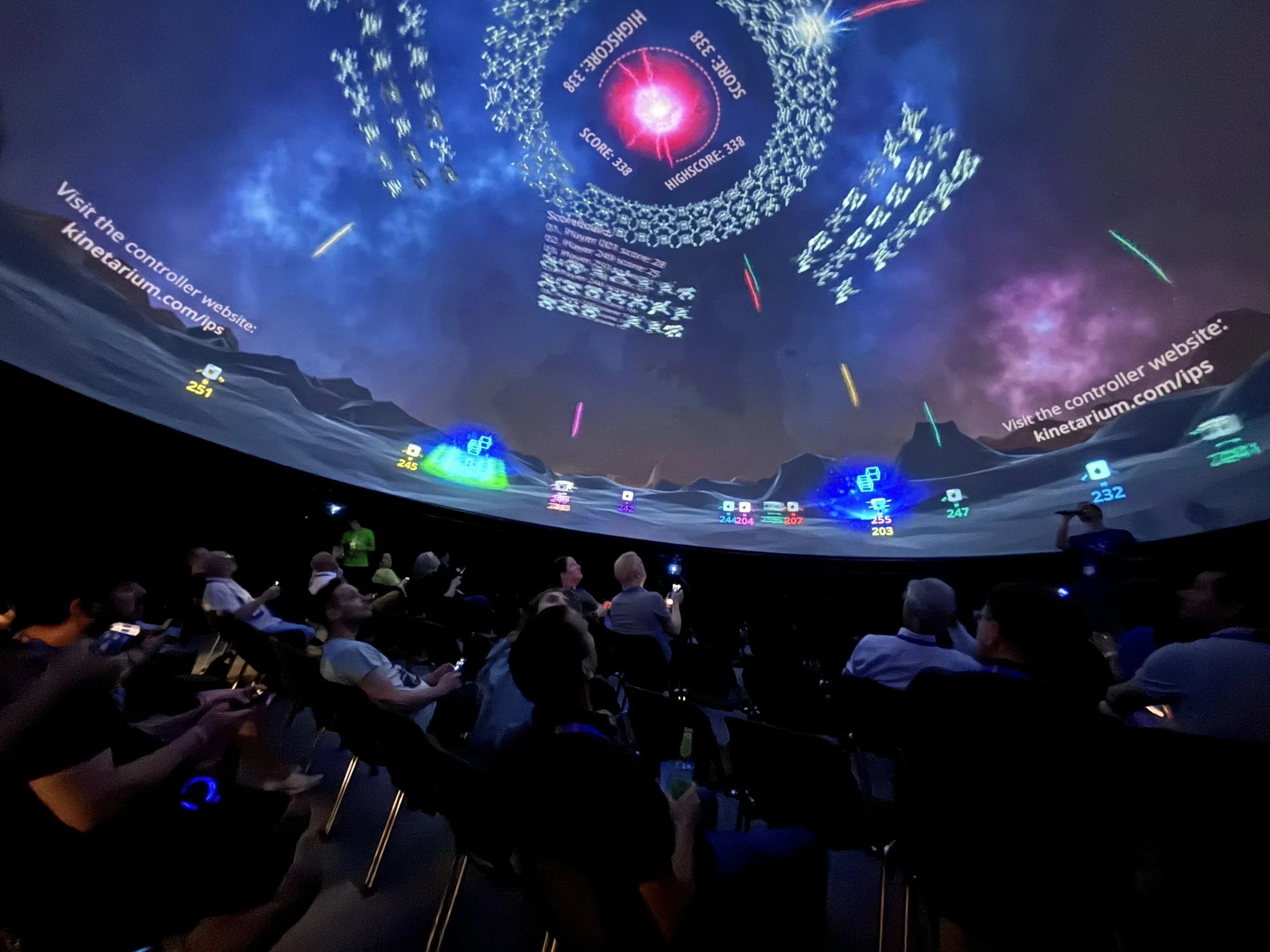
Multiplayer games for your planetarium
Greater audience engagement.
Higher return visit rate.
New target audiences.
-
Kinetarium turns your audience into active participants. Large groups interact simultaneously with the dome projection—intuitively and in real time.
Engaging the entire audience
High levels of attention throughout the entire performance
A shared experience in the space
-
Kinetarium isn’t a replacement—it’s an extension of your offerings.
A complement to traditional shows
Flexible integration into existing schedules
Can be combined with lectures or themed weeks
Ideal for special events
-
Interactive formats provide an added incentive for repeat visits.
Changing game content
Event-like atmosphere
Particularly appealing to younger audiences and families
-
No download, no registration.
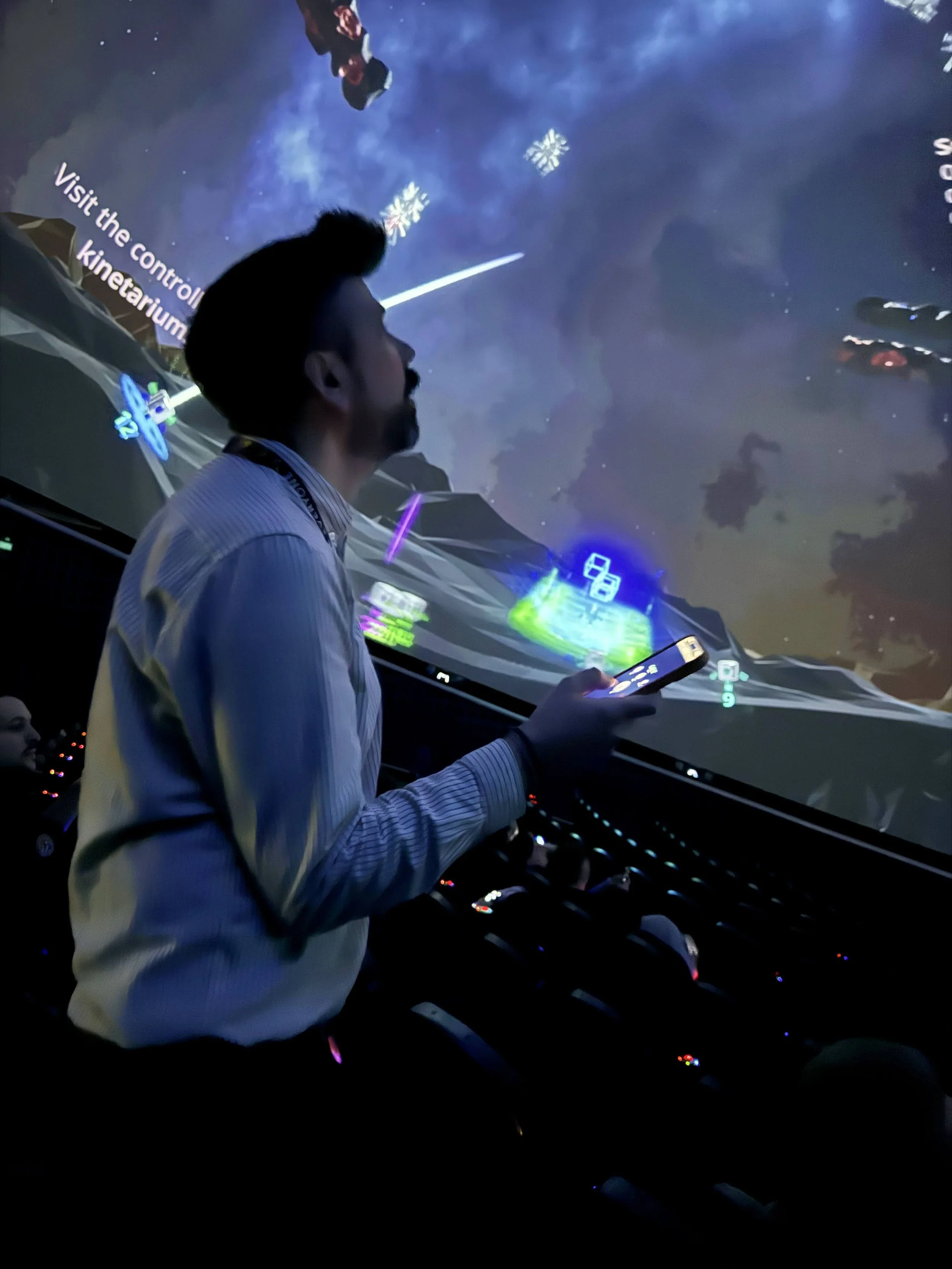
The audience can participate directly using their own smartphones.
Low barrier to entry
Ideal for impromptu groups of visitors
Seamless experience during school presentations
-
Kinetarium can be used with existing planetarium technology as long as your system supports live video output, e.g.:
Skyscan Dark Matter
Zeiss Open Dome
Vioso Anyblend
RSA Cosmos FreeDome
Screenberry media server
Installation is simple and takes only 1–2 minutes.
-
With our subscription model, licensing costs remain manageable, and you have complete flexibility in planning your programming
All shows & games included
Free access to all new shows & games
Unlimited use
Technical updates included
You can find more information about licensing here.
These are the benefits Kinetarium offers at the planetarium
What our customers say
“Kinetarium is a highly innovative yet well-developed project. We’ve been working together as partners for years. We can easily and flexibly integrate the application into our program. The variety of games allows for multifunctional use. The software is also very user-friendly.”
— Robert Metzner, Project Manager at the Zeiss Planetarium in Jena
Typical use cases in the planetarium
-
Edutainment Format
Learning Through Gaming: Scientific topics are explored together through interactive games. Ideal for school classes and groups.
-
Entertainment format
Interactive multiplayer games create a shared experience in the dome. Easy to get started for families, groups, and events.
-
HIGHLIGHT FOR EVENTS
Ideal for special events such as Museum Night, Science Days, or festivals. Accommodates large groups of visitors at the same time.
-
EXTENSION TO FULLDOME SHOWS
An interactive addition to existing shows. Whether used as an introduction, warm-up, or follow-up, Kinetarium encourages active engagement with the topic.
-
Gaming Event
Special gaming events at the Dome featuring hosted multiplayer games. An engaging event format designed to attract new audiences.
-
Program for Mobile Domes
Interactive multiplayer games designed specifically for mobile planetariums. Quick to set up and ideal for roadshows or school programs.
Case studies
-
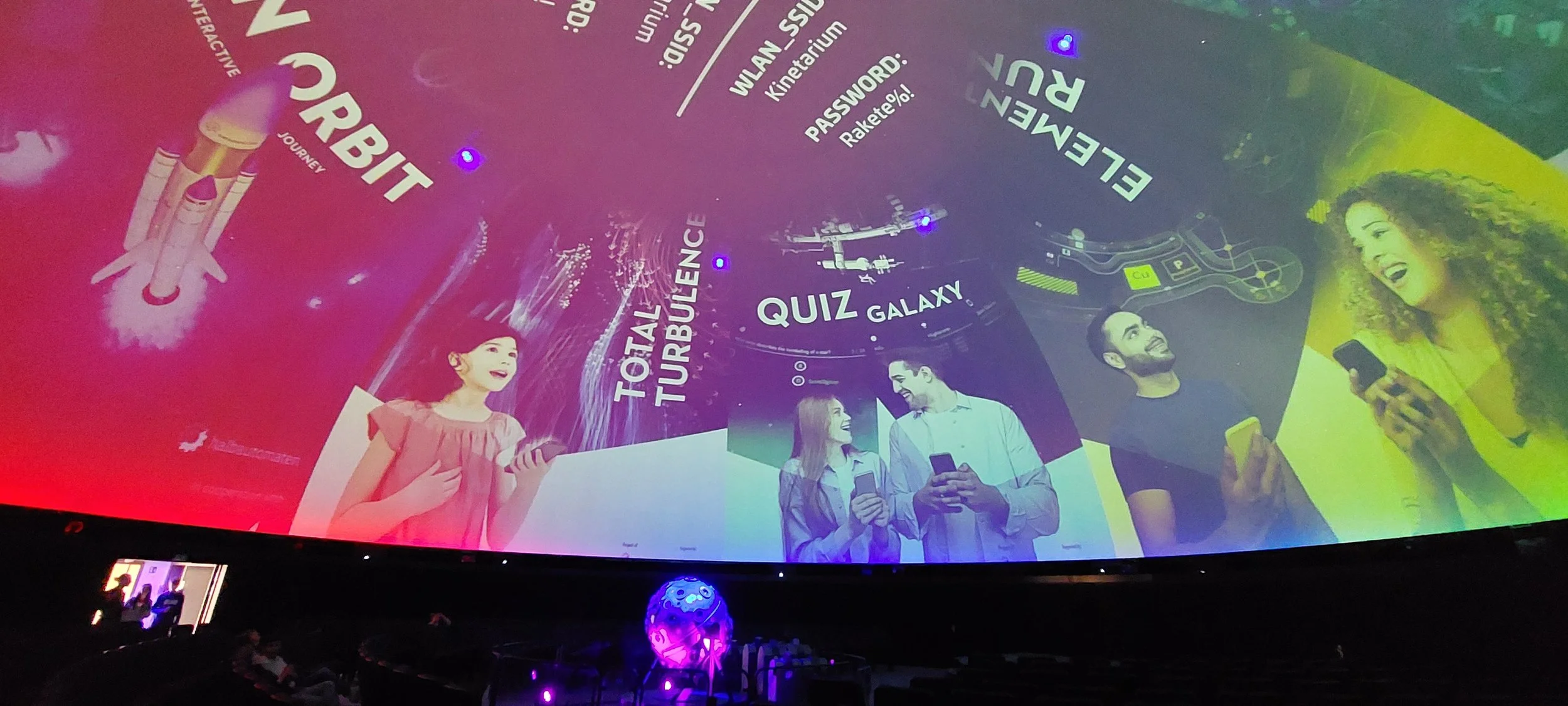
Monthly Gaming Night – Planetarium Berlin
The Zeiss Grand Planetarium regularly hosts the gaming night “The Game is On”—an interactive multiplayer event in the dome where various Kinetarium games are played.
-

Playful Evaluation – Jena Planetarium
At the Jena Planetarium, Kinetarium is used as an interactive supplement to existing shows. In particular, the multiple-choice application Quizgalaxy is used to conduct brief surveys with the audience.
Easy Technical Integration
Kinetarium is designed for large projection surfaces and can be integrated into existing dome infrastructures.
Use of existing projection technology
Adaptation to different dome sizes
Easy installation
-
The planetarium must have a digital fulldome projection system (e.g., Vioso Anyblend, Screenberry media server) capable of accepting a real-time video signal (via screen capture or Spout). For systems with a single projector, experience has shown that setting up the Kinetarium client is very simple and can be done with just a few clicks.
The computer running the Kinetarium Client should have the following or comparable hardware:
Hard drive: 1.5 GB free space
RAM: 16 GB
Processor: 3.1 GHz quad-core Intel Core i7
Graphics card: GeForce RTX 3050 6 GB
-
The computer running the Kinetarium Client requires a constant and stable internet connection.
Visitors also need internet access on their mobile devices to participate. We recommend providing an open Wi-Fi network for visitors. If there is good cellular reception inside the dome, Wi-Fi is not required.
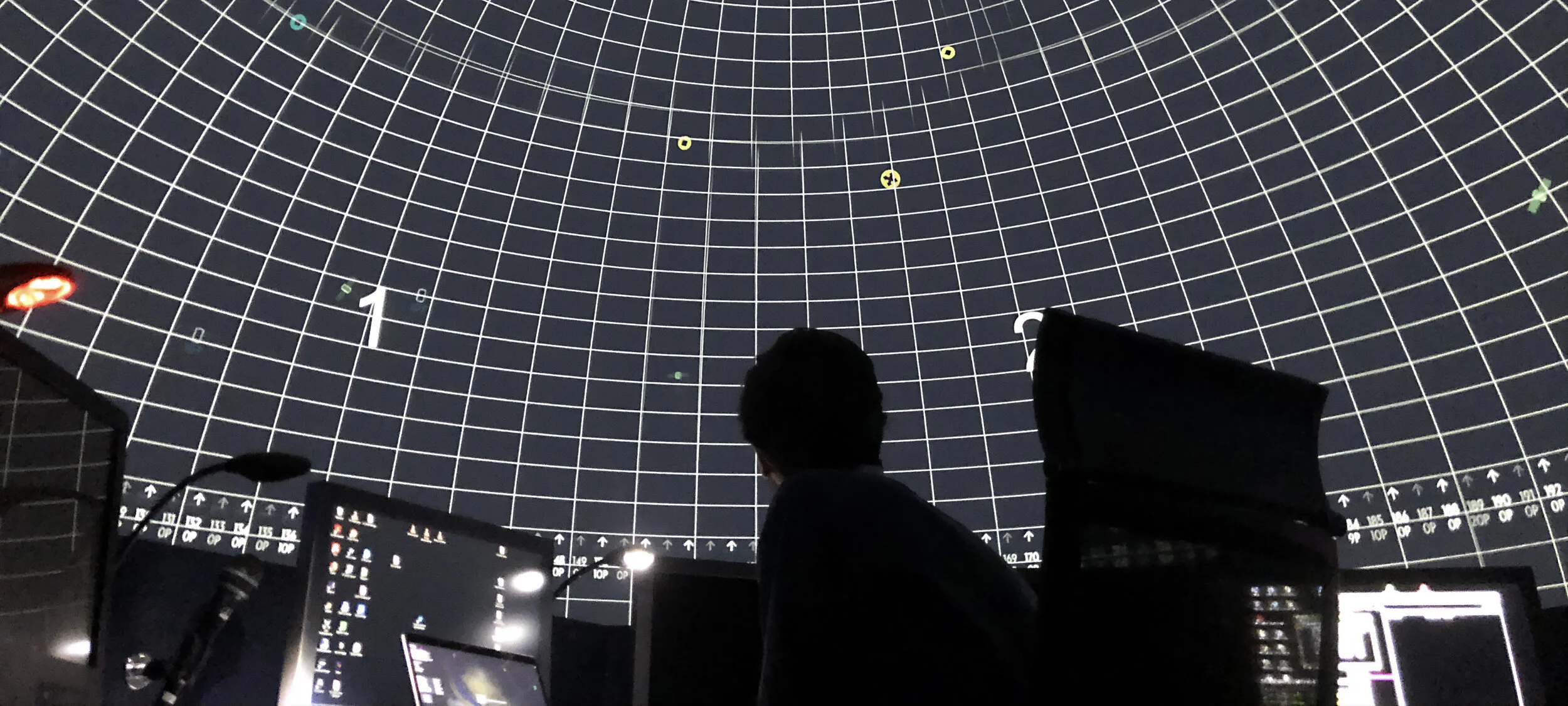

Would you like to test how Kinetarium works in your mobile dome?
Then feel free to contact us, and we’ll provide you with a free trial version! That way, you can try out the games yourself and make sure everything works properly.
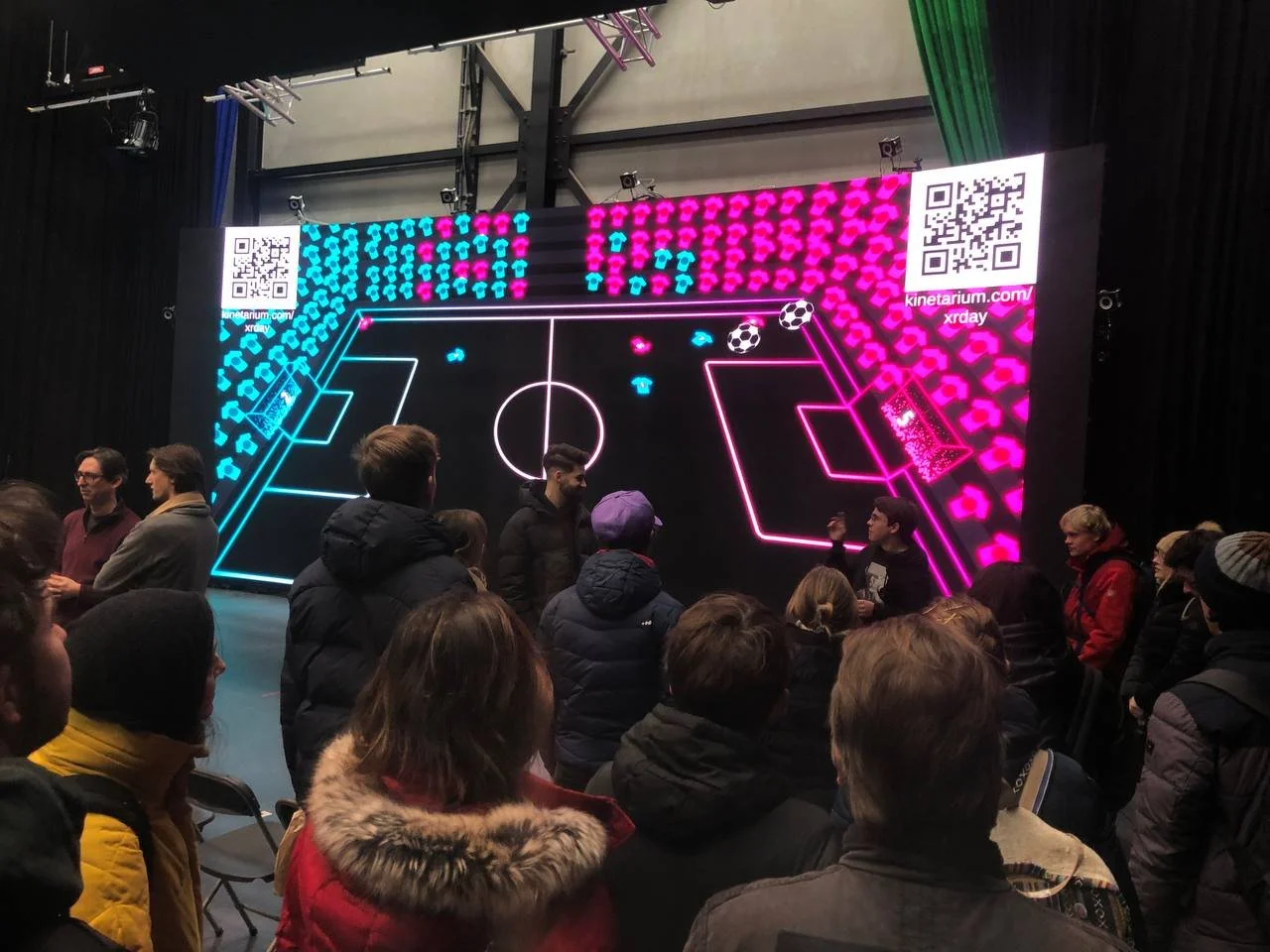
Kinetarium is also available as a screen version
Does your planetarium not yet have a digital projection system?
Would you like to make the entrance area of your planetarium more appealing?
Or do you have an exhibition space that needs a fresh look?
Then be sure to check out our screen version for interactive experiences on screens and large displays.
Let's plan your interactive program together!
In a short demo, we'll show you how to integrate interactive multiplayer games into your mobile dome's program.